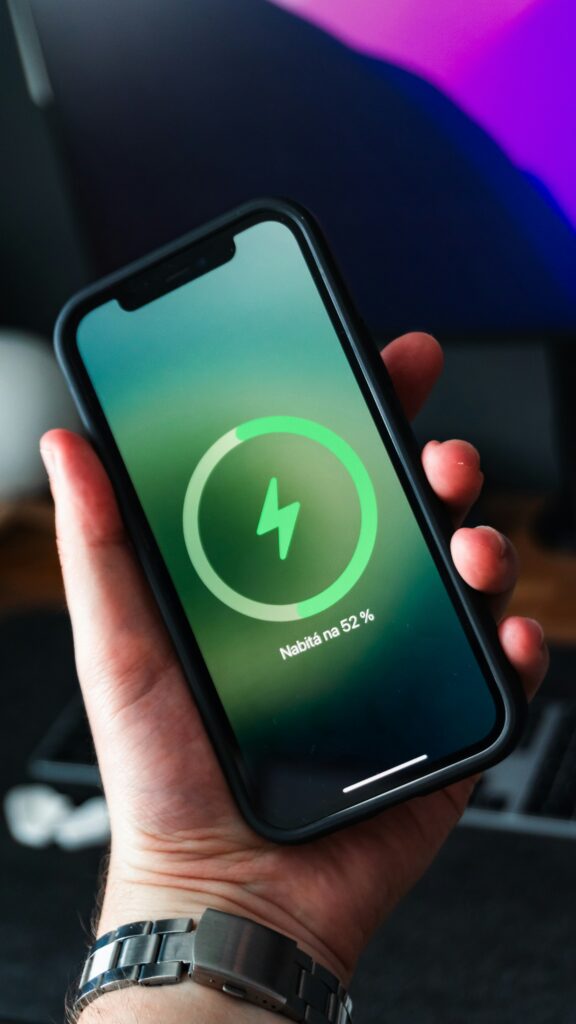
Nothing is more frustrating than an iPhone that dies by midday. If your battery percentage is dropping fast, it might not be the hardware—it’s likely your settings. Follow these proven fixes to optimize your device.
Background App Refresh Many apps are constantly talking to servers even when you aren’t using them. Go to Settings > General > Background App Refresh and turn it off for apps that don’t need real-time updates.
OLED Optimization If you have a modern iPhone with an OLED screen, using Dark Mode can significantly save power. Since OLED pixels turn off completely for black colors, your screen consumes far less energy throughout the day.
Key Takeaways
Disable Background App Refresh for non-essential apps.
Use Dark Mode to save energy on OLED displays.
Check Battery Health in Settings to see if you need a replacement.